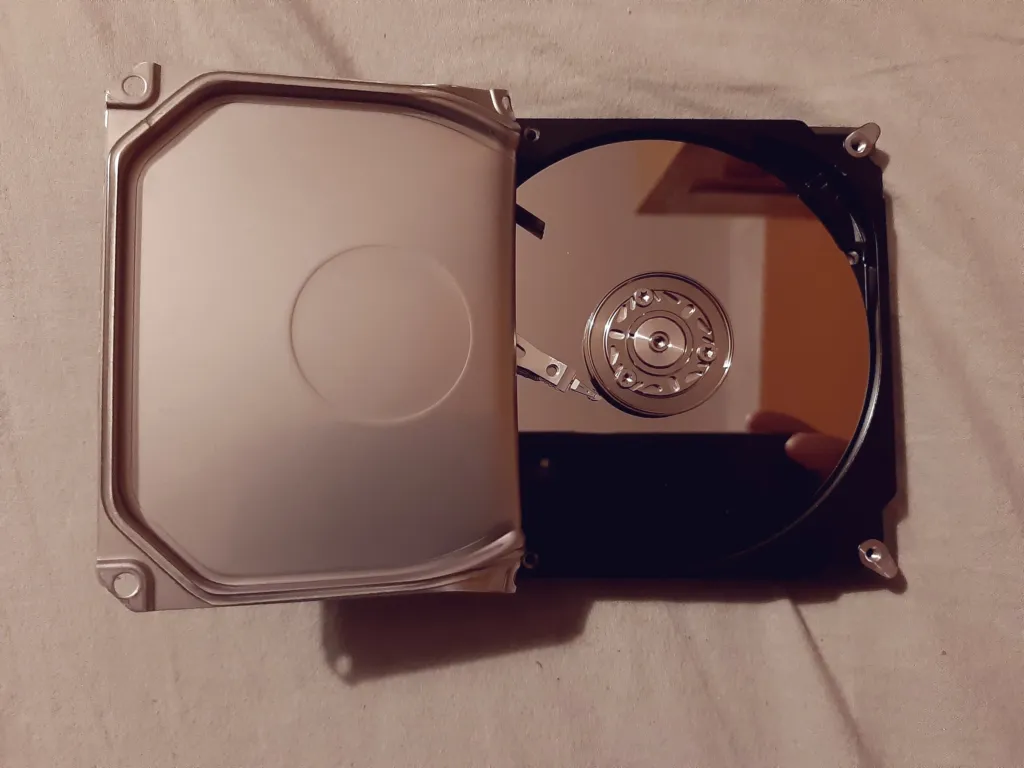
A backup has to survive whatever destroys the server, so it must live somewhere else. A good rule is 3-2-1: three copies of your data, on two different kinds of storage, with one copy off site.
What to back up
- Website files, for example
/var/www. - Databases, dumped to a file. Copying the raw database folder while it runs gives a broken copy.
- Configuration:
/etc/nginx,/etc/php, crontabs, and anything else you changed.
1. Dump the databases
sudo mysqldump --all-databases --single-transaction --routines | gzip > /root/backup/db-$(date +%F).sql.gz--single-transaction takes a consistent copy of InnoDB tables without locking the site.
2. Copy everything to another machine
rsync over SSH only sends what changed, so nightly runs are fast. Set up an SSH key from the server to the backup machine first.
rsync -az --delete /var/www/ backup@backup.example.net:/backups/server1/www/
rsync -az /root/backup/ backup@backup.example.net:/backups/server1/db/
rsync -az /etc/ backup@backup.example.net:/backups/server1/etc/
3. Run it every night
Put the commands in a script, /root/backup.sh, make it executable with chmod +x, and schedule it with sudo crontab -e:
30 3 * * * /root/backup.sh > /var/log/backup.log 2>&1Delete old local dumps so the disk does not fill:
find /root/backup -name 'db-*.sql.gz' -mtime +7 -delete4. Keep history, not just a mirror
A plain mirror copies mistakes too: delete a file today and it disappears from the backup tonight. Keep dated copies, or use a tool built for this, such as restic or BorgBackup, which store compressed, deduplicated, encrypted snapshots.
5. Test a restore
A backup you have never restored is a hope, not a backup. Every few months, restore to a spare server or a local virtual machine and check the site works:
gunzip < db-2026-10-01.sql.gz | mysqlDo not rely only on host snapshots
Host snapshots are convenient and fast to restore, but they live with the same company. Keep at least one copy somewhere your host cannot affect.
Something out of date? Software changes. If a step no longer works, tell us and we will check it and update the page.