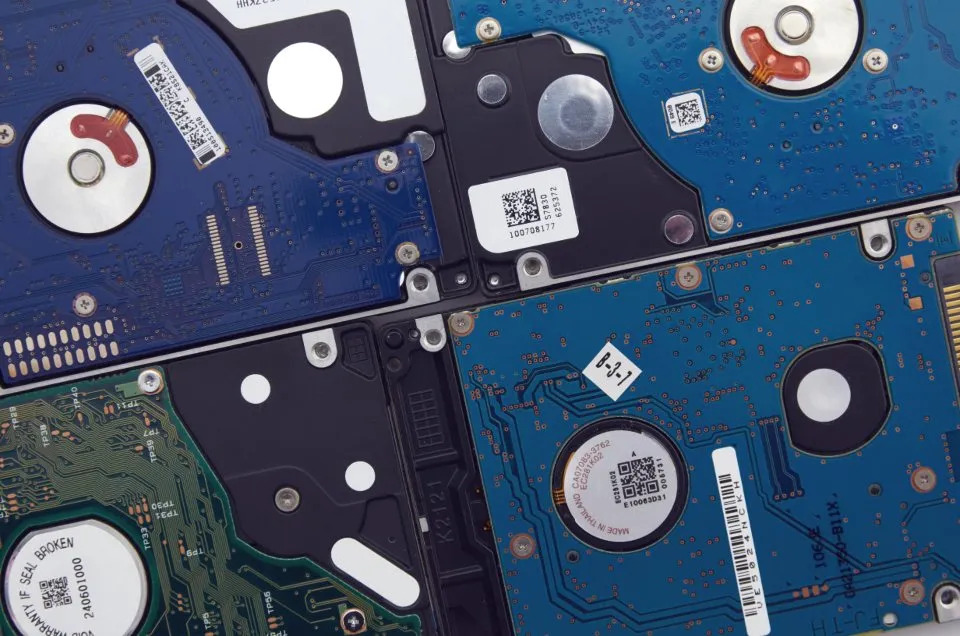
RAID combines several disks so they act as one. Depending on the level, it makes storage faster, lets it survive a failed disk, or both.
| Level | Minimum disks | Survives | Usable space | In short |
|---|---|---|---|---|
| RAID 0 | 2 | No failures | 100% | Speed, no protection |
| RAID 1 | 2 | All but one disk | 50% with two disks | Mirror |
| RAID 5 | 3 | 1 disk | Total minus one disk | Striping with parity |
| RAID 6 | 4 | 2 disks | Total minus two disks | Double parity |
| RAID 10 | 4 | 1 per mirror pair | 50% | Mirrors, striped |
RAID 0: striping
Data is split across all disks, so reads and writes are fast. If any one disk fails, everything is lost. Only for data you can rebuild easily.
RAID 1: mirroring
Every disk holds a full copy. Simple and reliable, and reads can be faster. You get the capacity of a single disk. A common choice for a server’s system disks.
RAID 5: parity
Data is striped with parity, extra information that can rebuild any one missing disk. Efficient on space, but writes are slower, and rebuilding a large failed disk takes a long time and strains the remaining ones. During the rebuild, a second failure loses the array.
RAID 6: double parity
Like RAID 5 but survives two failed disks. The safer choice for large arrays of big disks, at the cost of slower writes.
RAID 10: mirrors, then striped
Disks are paired into mirrors, and the mirrors are striped. Fast for both reads and writes, rebuilds quickly, and survives one failure in each pair. The usual choice for busy databases.
Hardware or software RAID
Hardware RAID uses a controller card. Software RAID, such as Linux’s mdadm or ZFS, is done by the operating system and is now the common choice on servers. Check the state of Linux software RAID with:
cat /proc/mdstatRAID is not a backup. It protects against a disk failing. It does nothing about deleted files, ransomware, a bad update or a fire. Keep real backups as well.
Something out of date? Software changes. If a step no longer works, tell us and we will check it and update the page.